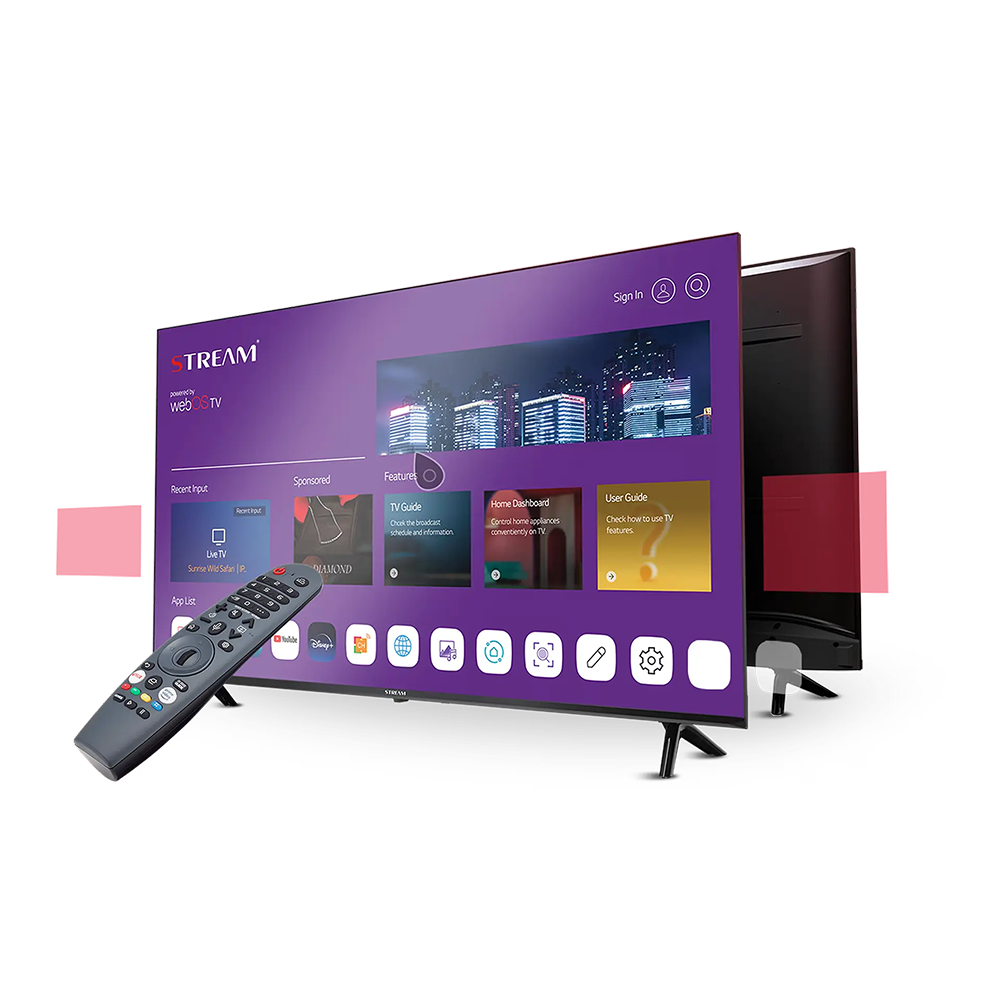
Vizi Media Player
Vizi Media Player is a media player application that displays digital content from playlists a user already owns or has a legal right to access. This page is provided purely for information, to help visitors understand what such a player does.
A media player of this kind reads industry-standard playlist formats and presents the links they contain in a single, organised interface. It does not create, host, or supply any of the content itself.
The information here describes general concepts — how playlists are read, how a program guide can be shown, and how such an application behaves across different smart-television devices. It is written to be easy to read and does not promote any purchase.
What This Type of Player Does:
- Reads Standard Playlists: Understands common M3U playlist files that you provide yourself.
- Organised Interface: Presents your own links in one tidy, easy-to-navigate layout.
- Multi-Language Display: Interface text can appear in several languages for readability.
- Remote-Friendly Navigation: A simple layout suited to on-screen, remote-control use.
-
01 Playlist organisation
A media player of this type lets you keep your own M3U playlists organised in one place, so the links you have added are easy to find and manage.
-
02 Personalised interface
The interface can be arranged to suit the person using it, making it simple to browse the playlists you have chosen to add on your own device.
-
03 One-click access
Once a playlist is added, its entries can be opened quickly and bookmarked, so switching between the items you have saved is smooth and simple.
How Vizi IP TV Player Works
A short, plain-language overview of the ideas behind a media player application. This is general information only — nothing here is for sale.
M3U Playlists
A media player reads M3U files — simple text lists of links that you supply yourself — and shows them in a tidy menu.
Program Guide (EPG)
When a playlist includes an electronic program guide, the player can display schedule information alongside each entry.
Device Compatibility
Players of this kind are designed to run on common smart-TV and mobile devices, presenting a consistent on-screen layout.
You Provide the Content
The player supplies no channels or media. Everything shown comes from playlists you already own or are legally allowed to use.
* For more detail, see our Policies & Terms & Conditions.
Important Disclosure
Vizi Media Player does not provide, host, or broadcast any media content. It is a media player application intended for playback of content the user already owns or has a legal right to access. Users must supply their own content sources through authorised third-party providers.
About Vizi
The aim of this informational site is to explain, in simple terms, what a media player application does. The focus is on clarity, ease of understanding, and device compatibility. This website is an information resource — it does not sell products, services, subscriptions, or licenses of any kind.
Have a question?
If you would like more information about the topics covered on this site, feel free to reach us by email at support@viziiptvplayer.live.
Frequently Asked Questions
Common questions about media player applications, answered for general information.
-
01 What is an IPTV / media player application?
It is software that reads a playlist file you provide and displays the links it contains in an organised on-screen menu. The application itself does not include or supply any content.
-
02 What is an M3U playlist?
An M3U file is a simple text list of media links. Users create or obtain these files themselves from sources they are legally entitled to use, and a media player simply reads and arranges them.
-
03 Does this website provide channels or content?
No. This is an informational website only. It does not host, stream, sell, or provide any channels, media, subscriptions, or licenses. Any content a player displays is supplied entirely by the user.
-
04 Which devices can run a media player like this?
Media players of this type are commonly built to work on smart televisions and mobile devices, offering a consistent, remote-friendly layout across screens.
Contact
For any questions about the information on this site, please feel free to contact us.
Location:
Organization Address:
448, Nungambakkam High Road, Adyar
Chennai, Tamil Nadu 600856
India
Email:
support@viziiptvplayer.live
Organization Details
Organization Name: Kamini Singh
Name: R Sreelekha